<aside>
📌
Source: Appsflyer / Postbacks Configuration · Bidease Knowledge Base → MMP Integrations → Appsflyer
</aside>
Step 1 — Open your app
Sign in to Appsflyer and click on the app of your choice.
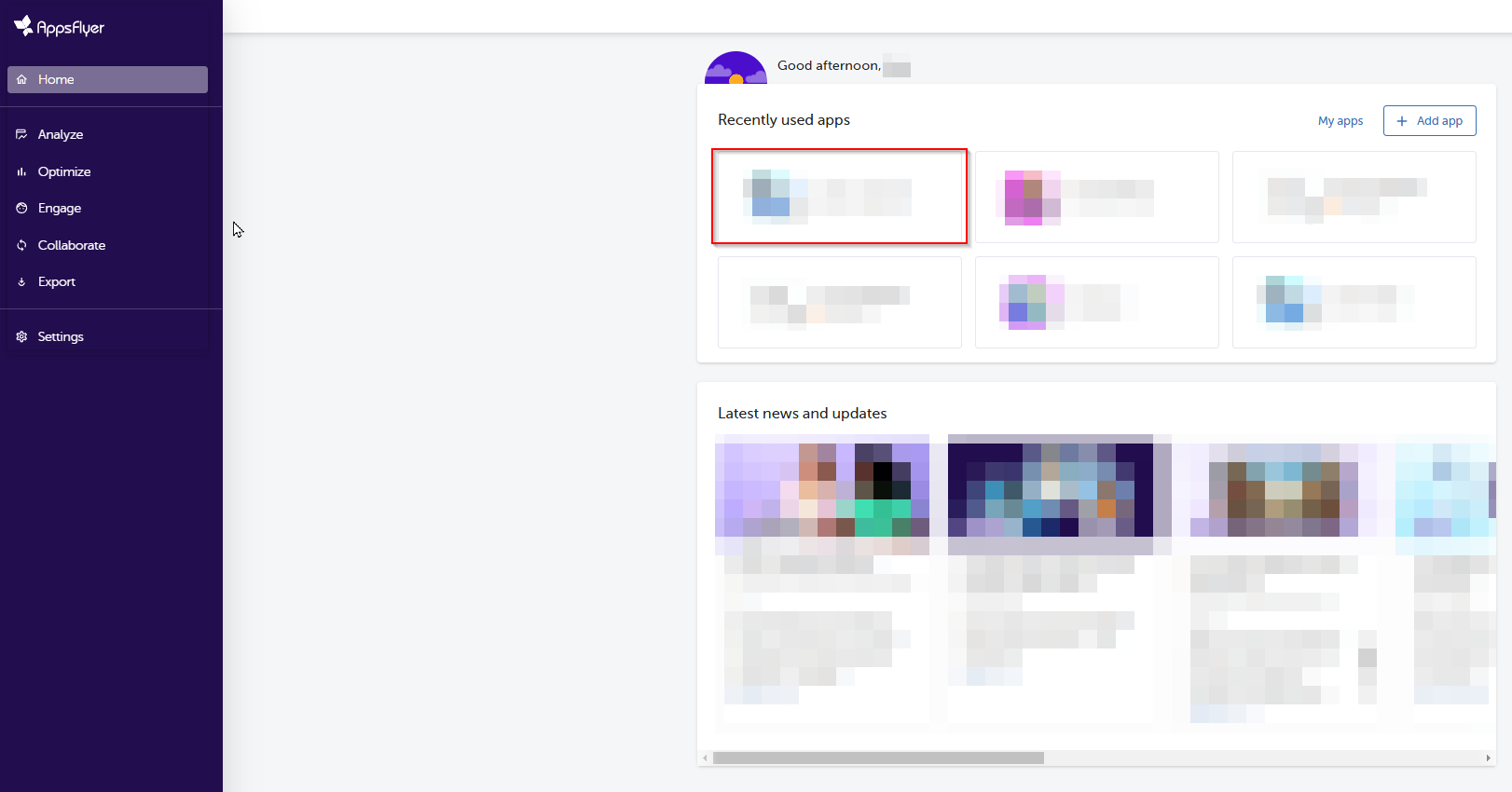
Step 1 — Select your app in Appsflyer
Step 2 — Find Bidease in the Partner Marketplace
Go to the Partner Marketplace in the sidebar menu and type Bidease into the search bar. Then click the gear icon, which takes you to the Manage Integration section for Bidease.

Step 2 — Partner Marketplace search
Step 3 — Activate the partner
On the Integration tab, toggle on Activate Partner and proceed to the main configuration.
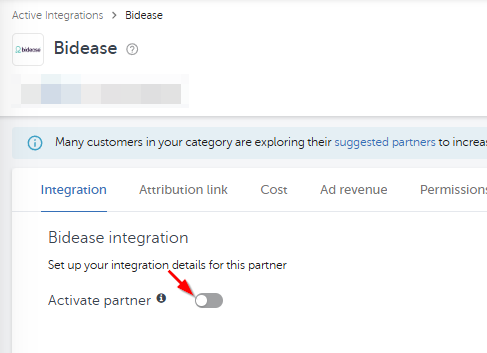
Step 3 — Activate Partner toggle
Step 4 — Configure the integration settings
<aside>
⚠️
We highly recommend configuring the settings exactly as described below, as these settings directly affect Bidease's optimization processes.
</aside>
- Toggle off Advanced Privacy (for iOS 14.5+ and later). Turning this off lets Bidease receive the default postbacks, which include the crucial clickid used for campaign optimization and ML processes. iOS apps only.
- Toggle on Share SKAN Transaction ID. This helps Bidease work with SKAN traffic more precisely. iOS apps only.
- Toggle on Share organic/non-organic indication. This helps Bidease separate NAD traffic.
- Select the desired attribution window for engaged click-through / view-through installs for Bidease. Default: 2 days.
- Toggle on Install view-through attribution. This allows Bidease to deliver installs from post-view attribution.
- If you are launching a re-engagement campaign, select the desired attribution window for re-engagement attribution.
- In the Default Postbacks section, select All media sources, including organic. This shares all non-attributed installs with Bidease, so they can be used as suppressions and for ML processes.
- Select the desired attribution window for in-app events for Bidease. Default: 6 months.